Your cameras.
Keep compatible IP cameras with a local ONVIF or RTSP stream.
Self-hosted NVR software
Record compatible ONVIF and RTSP cameras to your own storage. Live view, playback, local object detection, and video export on Linux, macOS, or Windows.
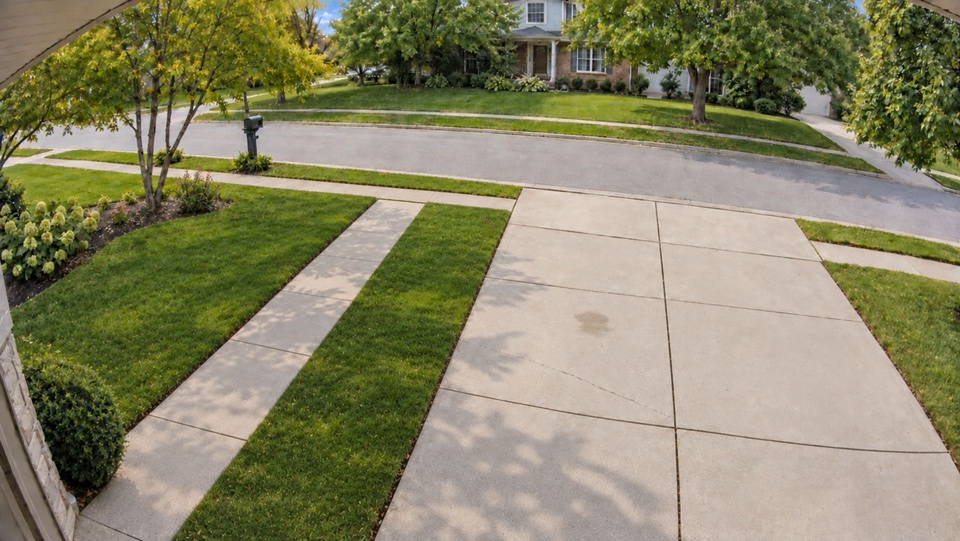 sample-driveway · DrivewayLIVESD · sub
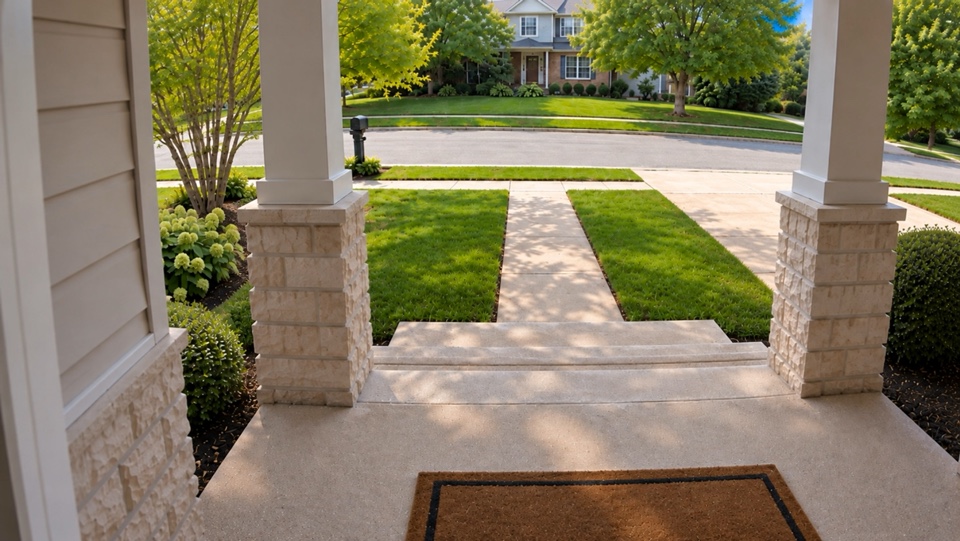 sample-entry · EntryLIVESD · sub
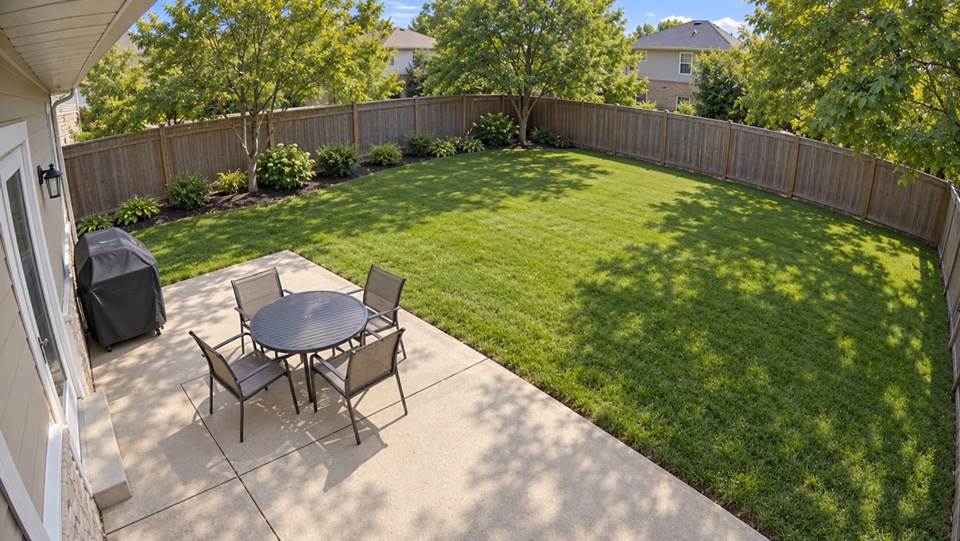 sample-backyard · BackyardLIVESD · sub
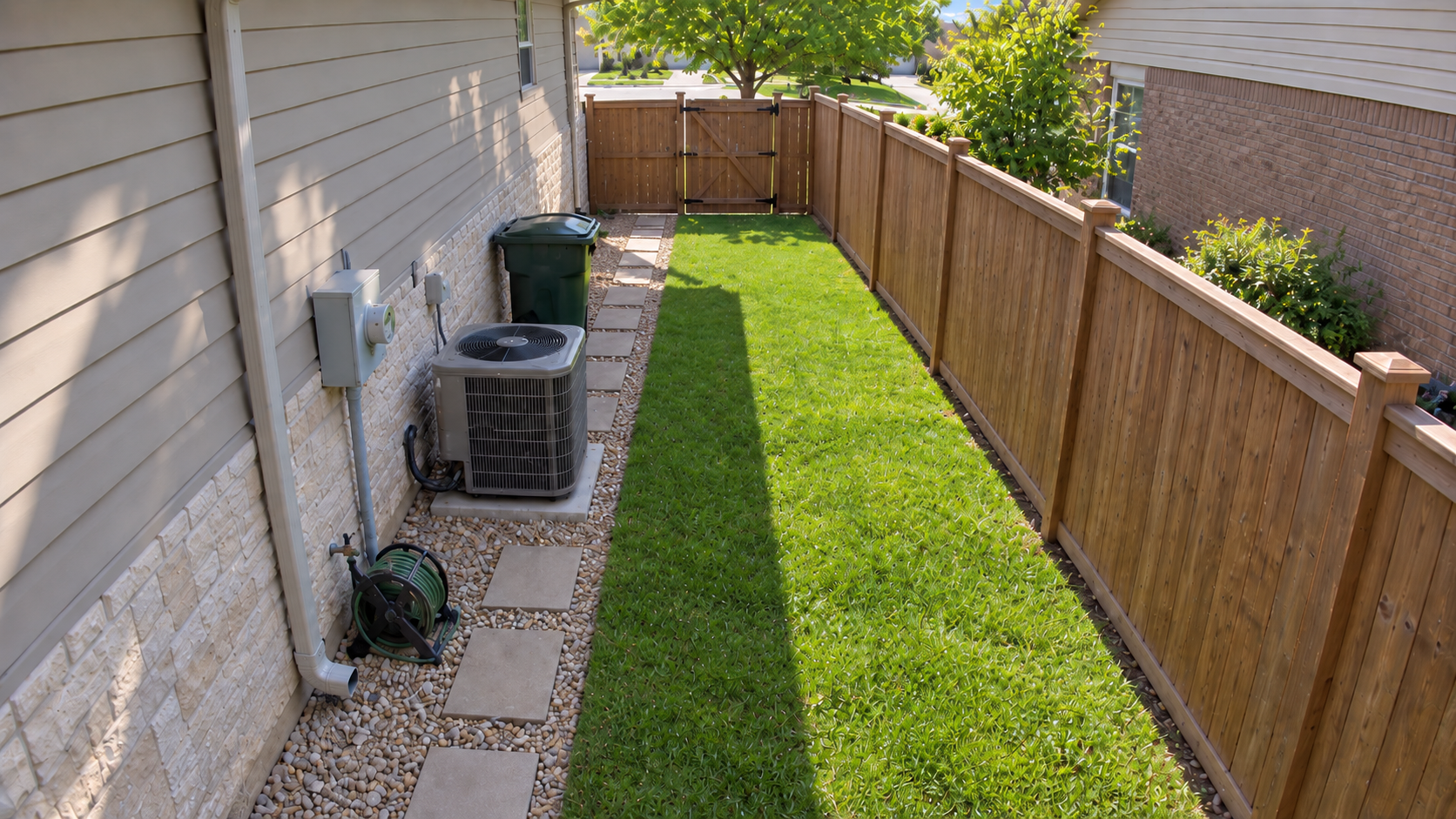 sample-side-entry · Side EntryLIVESD · subREVIEWRecording unavailable
01 / Requirements
Your cameras, a computer, and somewhere to keep the recordings. All on your network.
Keep compatible IP cameras with a local ONVIF or RTSP stream.
Run the recorder on a compatible Linux, Mac, or Windows computer that stays on.
Choose a recording drive based on camera bitrate and the history you want to keep.
Yes. Stonewatch is ONVIF and RTSP NVR software: it records any IP camera that sends H.264 or H.265 video over RTSP. It finds ONVIF cameras on your network automatically, and you can add any other camera by its stream URL.
Stonewatch runs on 64-bit (x64) Windows PCs, Apple Silicon Macs with macOS 13 or later, and 64-bit Linux on x86-64 or ARM64. A spare office PC or an M1 Mac mini is enough for a small camera setup.
As many as your computer can handle: the Home license has no camera limit. Recording itself is light, because Stonewatch saves camera streams without re-encoding them. Detection, live views, and exports add the most work.
02 / Privacy
Stonewatch records to your own drive and runs detection on the same computer. Exports go wherever you save them. No account is needed.
View live cameras and recordings in Stonewatch Viewer on your computer, iPhone, or Android phone.
03 / Pricing
The trial covers every feature and every camera. A Home license keeps the recorder running after that, whether or not you renew updates. See how the price compares.
One trial per machine
30 days
Counted from the recorder's first run
Subject to hardware capacity.
One-time license
$99 USD
Per installation · before tax
Subject to hardware capacity.
04 / Guides
Platform guides with example hardware and a storage calculator, and comparisons with Blue Iris and Frigate.
Platform guide
Native recording on x86-64 or ARM64, no Docker, with example hardware and a storage calculator.
Read the guidePlatform guide
Turn an Apple Silicon Mac into a local camera recorder with Core ML detection. macOS 13 or later.
Read the guideComparison
Switching from Blue Iris to local recording and built-in detection on a Mac, Linux, or Windows.
Read the guide